
The table-side receipt splitter
Split a restaurant bill without the spreadsheet
Everyone claims the dishes they ate. Shared plates, tax, and tip settle themselves — exact to the cent.
-
Share the table
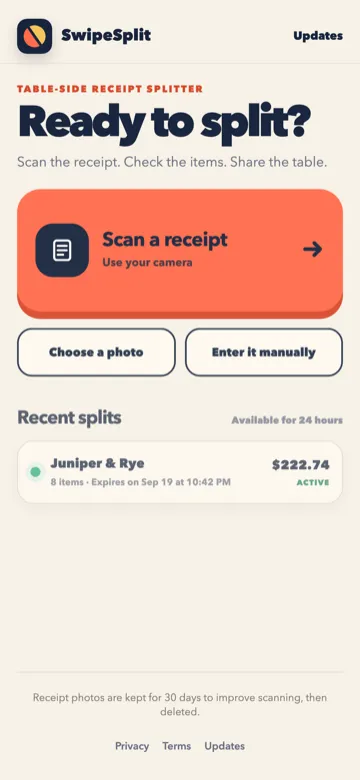
One person starts. Friends tap the link or scan the QR code — any browser, no account required.
-
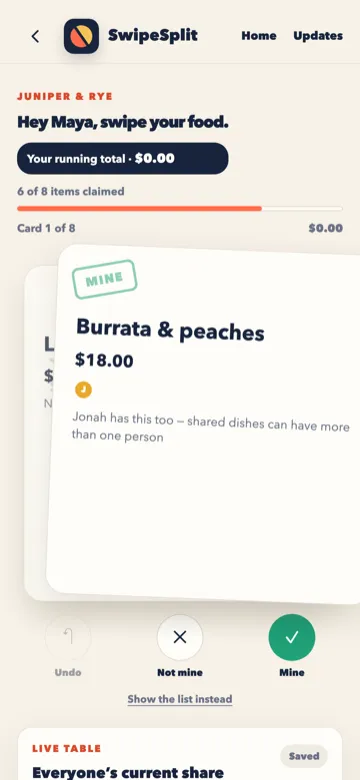
Claim what you ate
Swipe each dish that is yours. If you shared fries or a pizza, more than one person can claim that line.
-
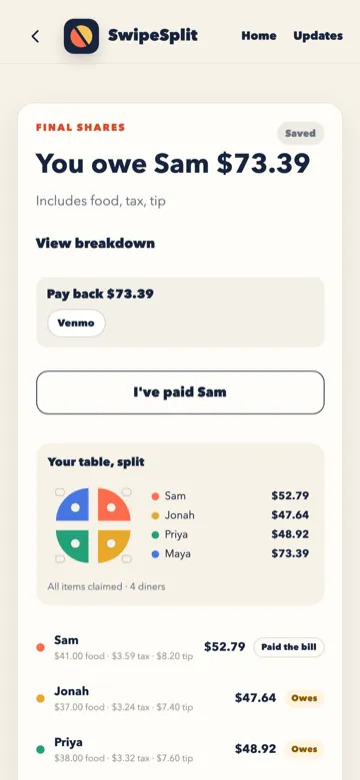
Settle tax and tip
Tax, tip, and discounts split from the amounts claimed. The math is exact to the cent. The table closes after 24 hours.
Need to get the lines off the paper first? Scan a receipt.
More guides: Split a bill without Apple Cash · Split a bill with iPhone and Android friends · Apple Cash Split Bill not showing? Check these first · SwipeSplit vs Apple's Split Bill with Apple Cash