
From paper to the table
Scan the receipt once. Everyone claims their food.
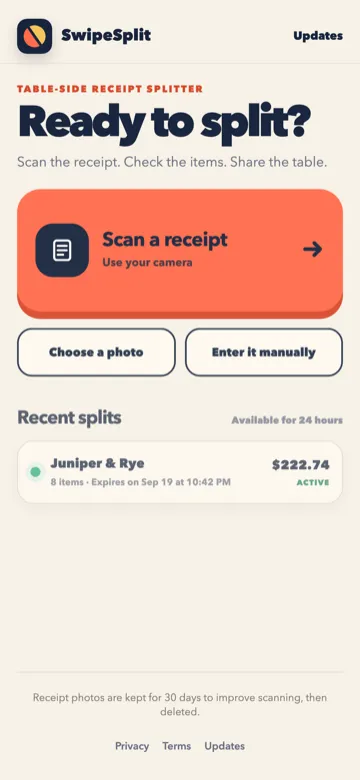
Photograph the receipt. We read the lines so nobody has to type the bill. Then the table claims what they ate.
-
Photograph the receipt
Use the camera or choose a photo. We cover the AI scan cost while we grow.
-
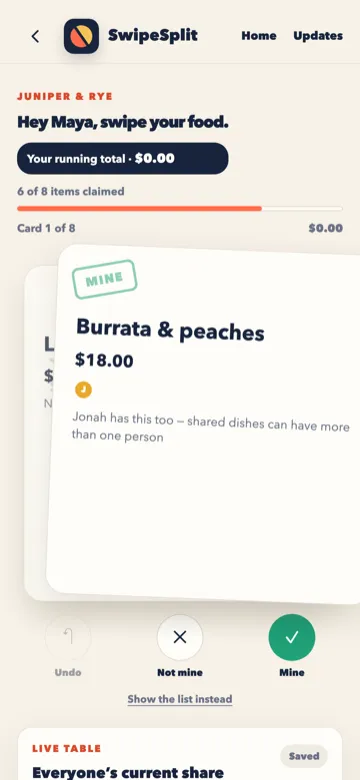
Correct anything it misreads
Check names and amounts before you share. Receipt photos are kept for 30 days to improve scanning, then deleted.
-
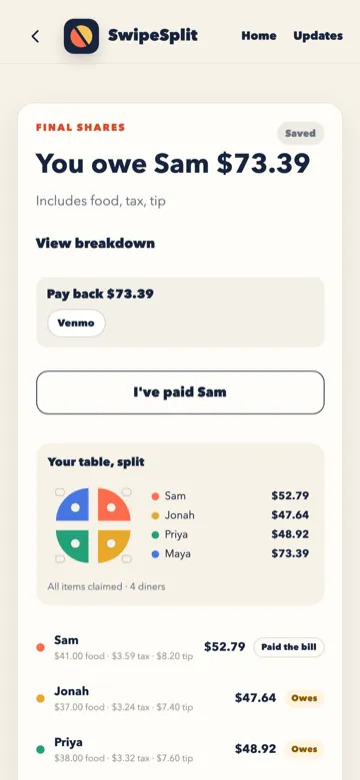
Hand it to the table
Share a link or QR code. Friends claim dishes on their own phones.
Already have the lines? How the bill splits.
More guides: Split a bill without Apple Cash · Split a bill with iPhone and Android friends · Apple Cash Split Bill not showing? Check these first · SwipeSplit vs Apple's Split Bill with Apple Cash