
A quick checklist
Apple Cash Split Bill not showing? Check these first
Apple lists requirements for Split Bill that cover your iPhone, your region, and your Apple Cash setup. If you cannot find it, start with Apple's own list, in plain words. We make SwipeSplit, not Apple's feature, so for anything past this list Apple Support is the right place.
- Update your iPhone. Split Bill arrived with iOS 27. Apple says you need the latest iOS, iPadOS, or watchOS.
- Check where you are. Apple says it is only available in the 50 United States, the District of Columbia, and Puerto Rico.
- Set up Apple Cash. Apple Cash has to be set up on your device first.
- Check your age. Apple says you must be 18 and a U.S. resident, or be part of an Apple Cash Family account set up by your family organizer.
- For receipt scanning, check Apple Intelligence. Apple says scanning a receipt needs an iPhone or iPad with Apple Intelligence and Siri turned on. Not every iPhone supports Apple Intelligence, and Apple says Siri AI is available in English to start.
- Look in the right place. In Messages: open a conversation, tap the plus button, tap Apple Cash, then Split Bill. In Wallet: tap your Apple Cash card, tap Send or Request, pick people, then Split Bill. Apple also lists the Camera, Photos, and a screenshot as ways to start.
Need to split tonight's check right now?
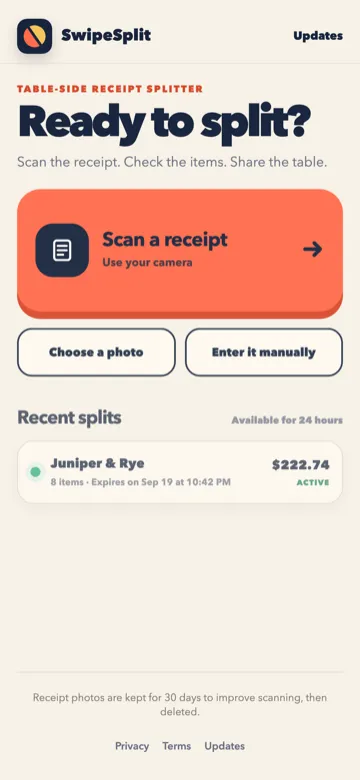
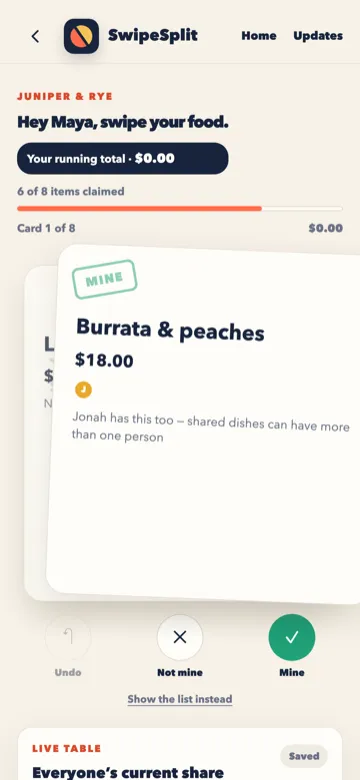
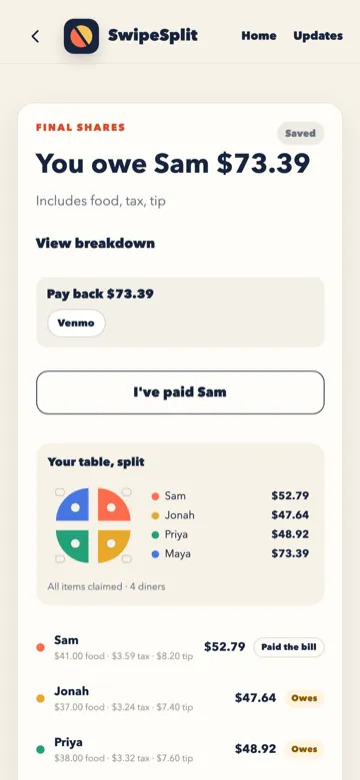
SwipeSplit works on any phone with a browser, with or without Apple Cash. One person scans the receipt, everyone taps what they ate, and each person sees their exact share with tax and tip.
Questions
Which iPhones support Apple Intelligence?
Apple keeps the current list on its website. Apple's Split Bill page does not name models.
Does everyone in the group need Apple Cash?
Apple's support page does not say what happens when someone does not have it.
Is there another way to split the check tonight?
Yes. SwipeSplit runs in the browser on iPhone and Android and does not need Apple Cash.
Apple, Apple Cash, iPhone, Messages, and Wallet are trademarks of Apple Inc. SwipeSplit is not made by or connected to Apple. Apple details checked September 21, 2026 on Apple's support page and Apple Newsroom.